On an iPhone? Add WCM Bible to your Home Screen. It takes four taps.

Show me how

WCM Bible

Free download

A free Bible for everyone in the church.

Give your whole congregation one Bible app to read, highlight, take notes, follow a reading plan and listen to the Audio Bible. Free, on Android or in any phone's browser, including iPhone, and it keeps working offline.

Android may ask you to allow installing from this source, because the app comes from our website rather than the Play Store.

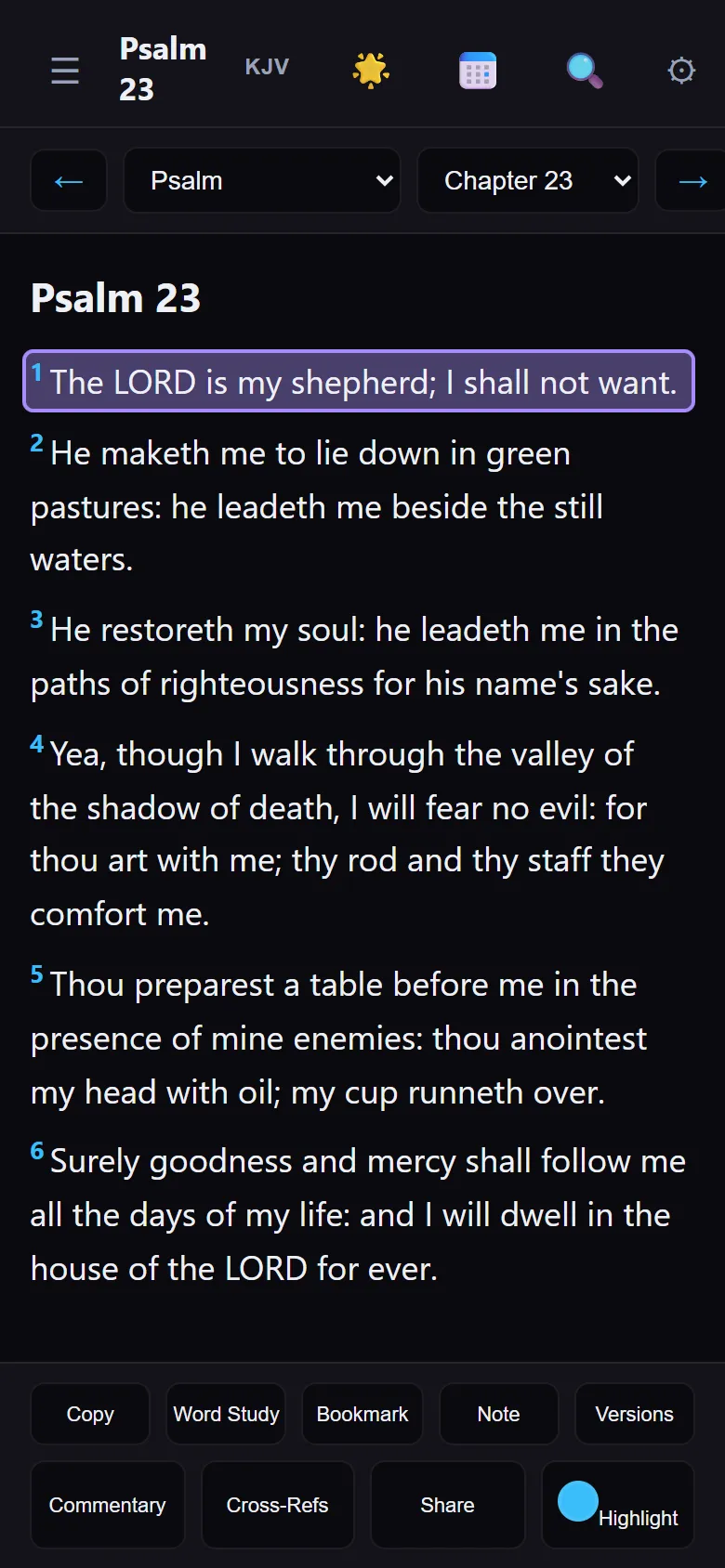
WCM Bible on a phone, open at Psalm 23
Psalm 23 in WCM Bible

iPhone and iPad

Put WCM Bible on your iPhone's Home Screen.

There is nothing to download from an app store. Open it once in Safari, add it to your Home Screen, and it opens like an app, even offline.

You are using another browser. Open this page in Safari first, then follow the steps.

  1. Open bible.wozerchurchmedia.com in Safari.
  2. Tap the Share button at the bottom of Safari (on iPad it is at the top).
  3. Scroll down and tap Add to Home Screen.
  4. Tap Add at the top right.
  5. Open WCM Bible from its new icon on your Home Screen.

Always open it from the Home Screen icon. That keeps your church, your notes and your notifications together.

Joining your church from a QR code

On iPhone, the camera opens your church's QR code in Safari. This is how to get the code into the app:

  1. Scan the QR code with the camera and tap the link. Safari opens and shows your church's code.
  2. Tap Copy code.
  3. Open WCM Bible from your Home Screen.
  4. Tap My church, then Paste code.
  5. Tap Join.
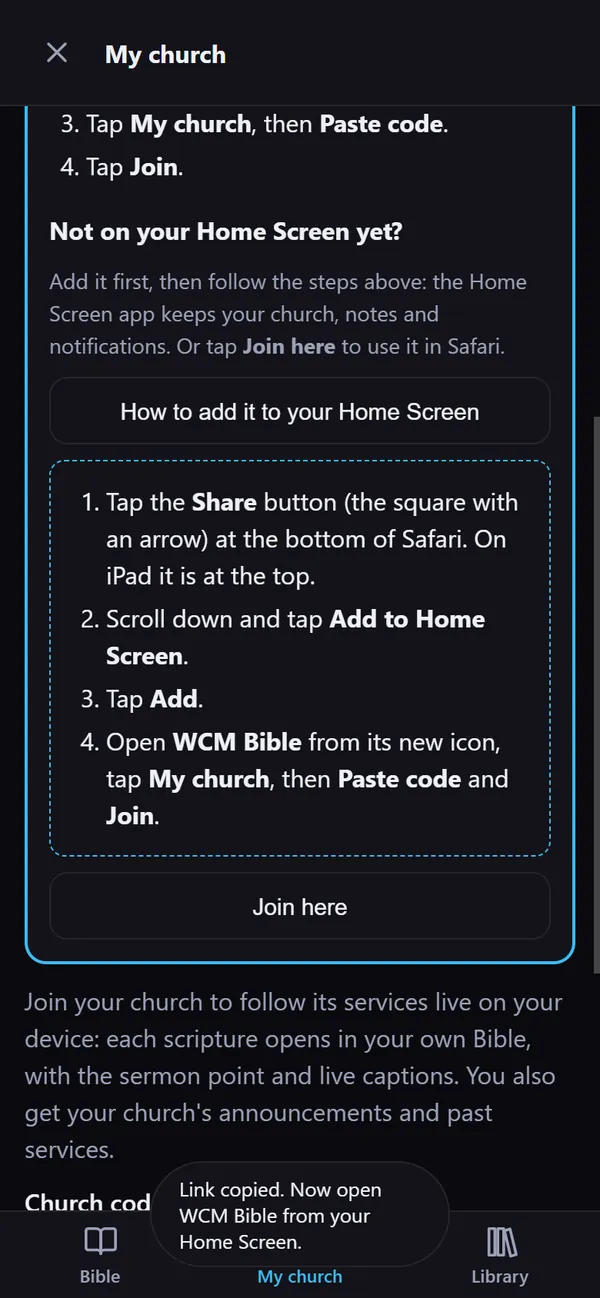
The app's own How to add it to your Home Screen steps, shown in Safari on an iPhone
The same steps, inside the app
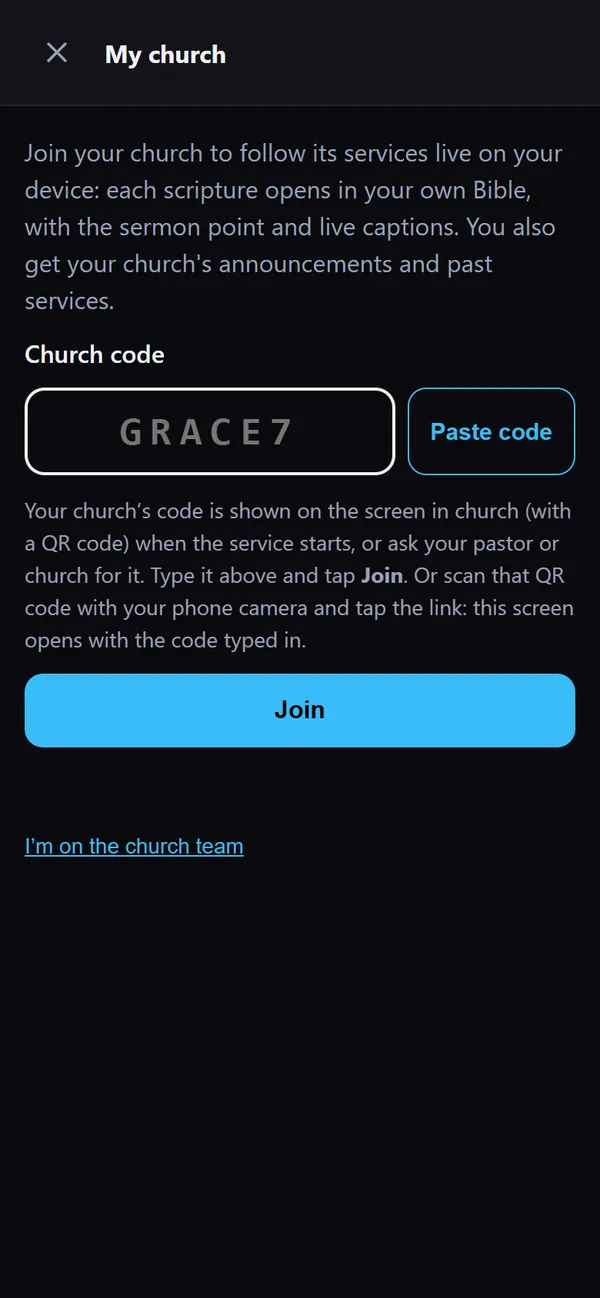
My church in the iPhone Home Screen app: the church code pasted in, with Paste code and Join buttons
Paste code, then Join

What's inside

The everyday Bible app, kept simple.

Recommend one app to the whole church, from the youth to the elders.

01

Read

A clean reader with several translations, easy to navigate by book and chapter.

02

Highlights, notes, bookmarks

Mark what speaks to you and find it again later.

03

Word Study & commentaries

See the Hebrew or Greek word behind the English, and read three free commentaries alongside the text.

04

Verse of the day

A short verse to start each morning.

05

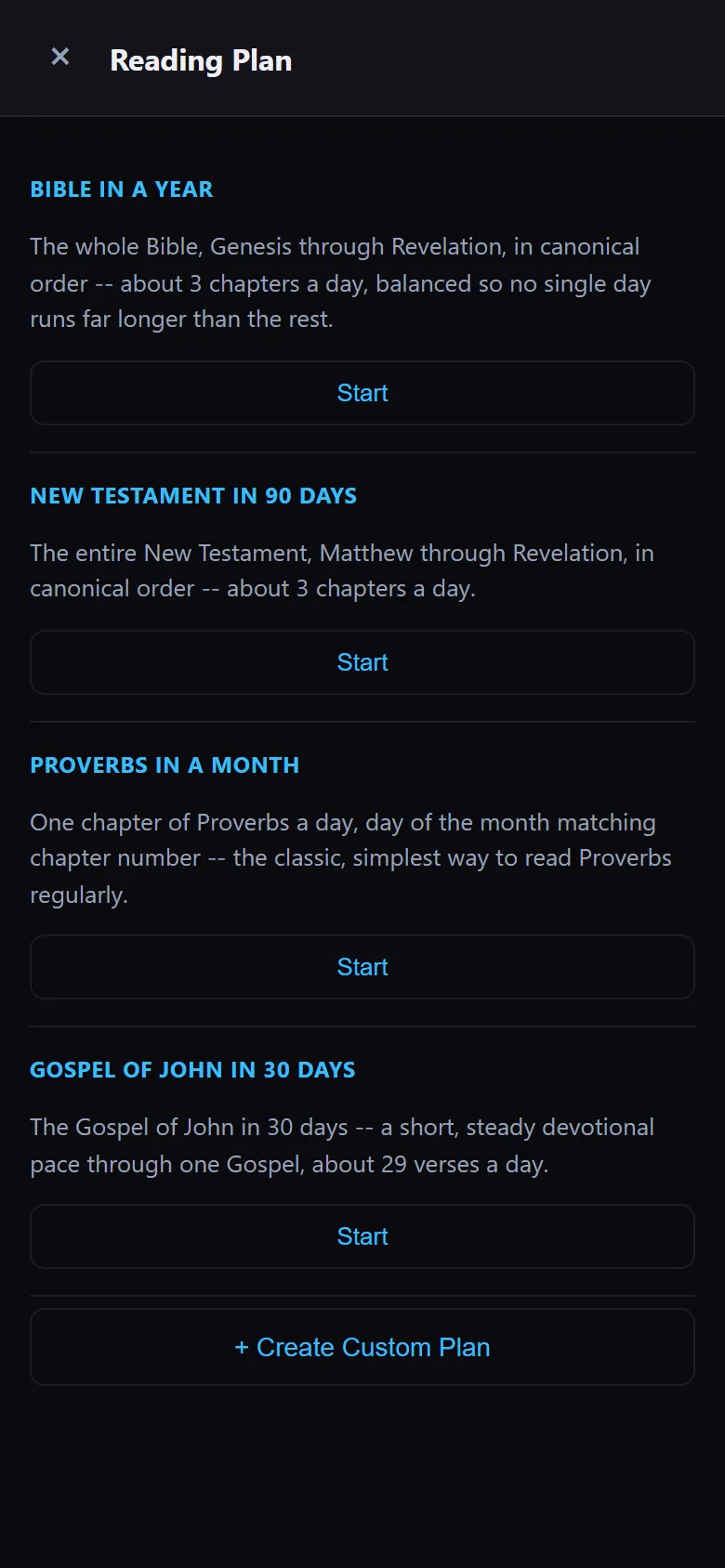
Reading plans

Read through the Bible, or a book of it, one day at a time.

06

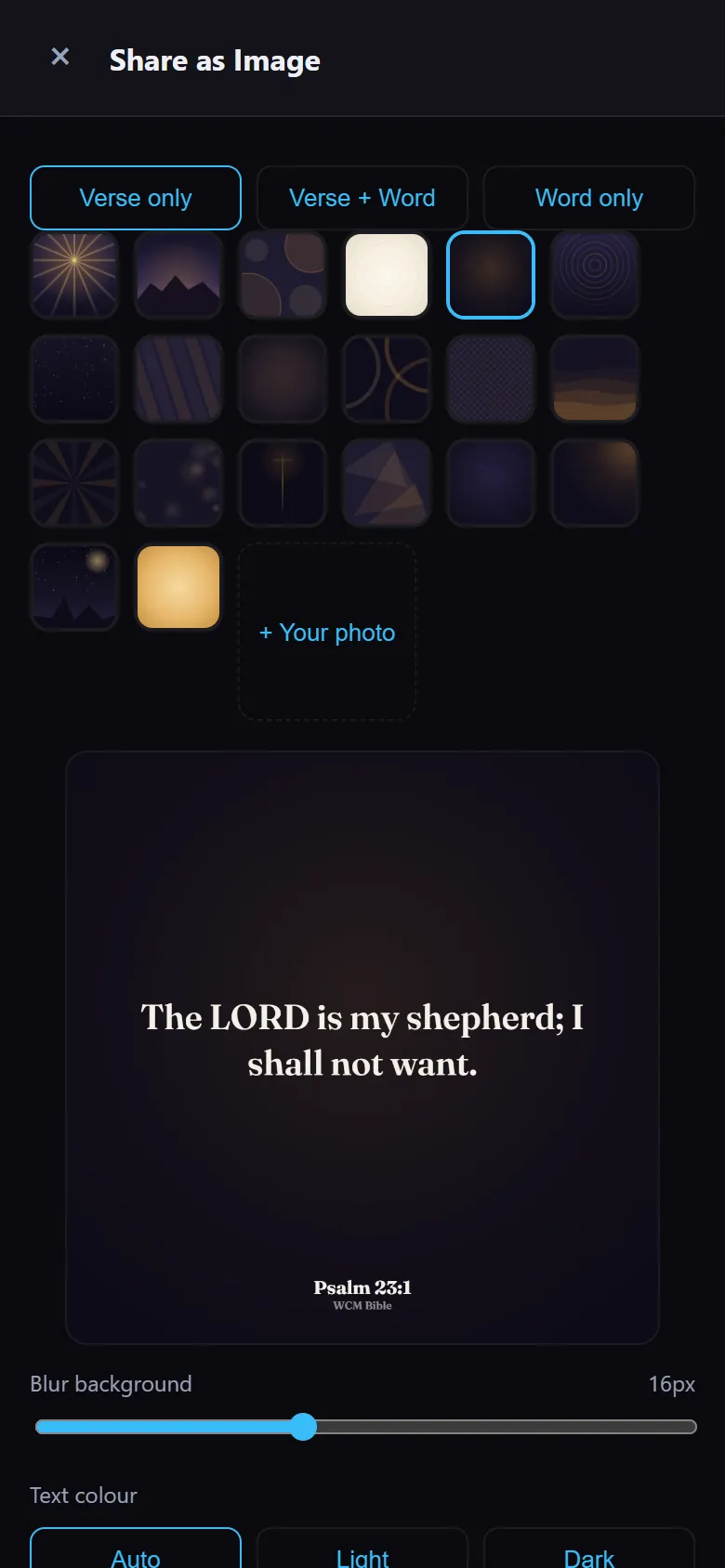
Share a verse as an image

Turn a verse into a picture for WhatsApp, Facebook or your status.

07

Audio Bible

Listen to a chapter read aloud, on the bus or at home.

08

Follow your church's service

Join your church with its code. While the service is live, each scripture opens in your own Bible as it is read, with the sermon point and captions. Past services and announcements stay under My church.

09

Available now

A web version too

Open bible.wozerchurchmedia.com on any phone, including iPhone, and add it to the home screen. After the first visit it works offline.

10

New

Devotionals and group guides

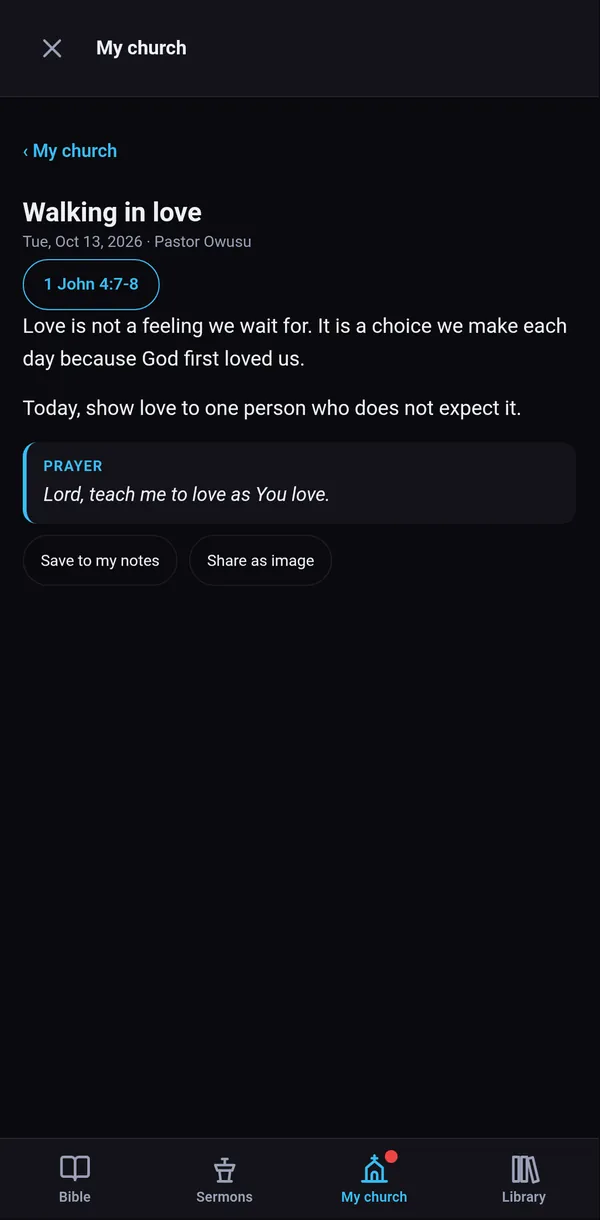
Read your pastor's daily devotional with a morning notification, and your small group's guide for the week, under My church.

11

New

Prayer requests and testimonies

Send a prayer request to your church, or share what God has done. You choose how your name shows.

12

New

For the church team

Volunteers see their duties and the month's rota, get a reminder the evening before, and can tap I can't make it.
Join your church

Scan the QR code. Tap Join. That's it.

Your church's code and QR code are on the screen when the service starts. Ask your pastor or church for it any time.

  1. Point your phone camera at the church's QR code and tap the link.
  2. WCM Bible opens at My church with the code already typed in.
  3. Tap Join. Each scripture now opens in your own Bible as it is read, with the sermon point and live captions.

On iPhone, the QR code opens Safari first: see the iPhone steps. Without the app, the same link opens the web version.

My church with the church code typed in and a Join button
The code is typed in for you
A devotional from the pastor in My church
Then your church is with you all week

See it

Made for the phone in every pocket.

Real screens from the web version, the same WCM Bible your members can open on an iPhone today.